



Trade smarter with
MT5 Desktop
Experience advanced charting, fast execution and seamless tools tailored for desktop traders
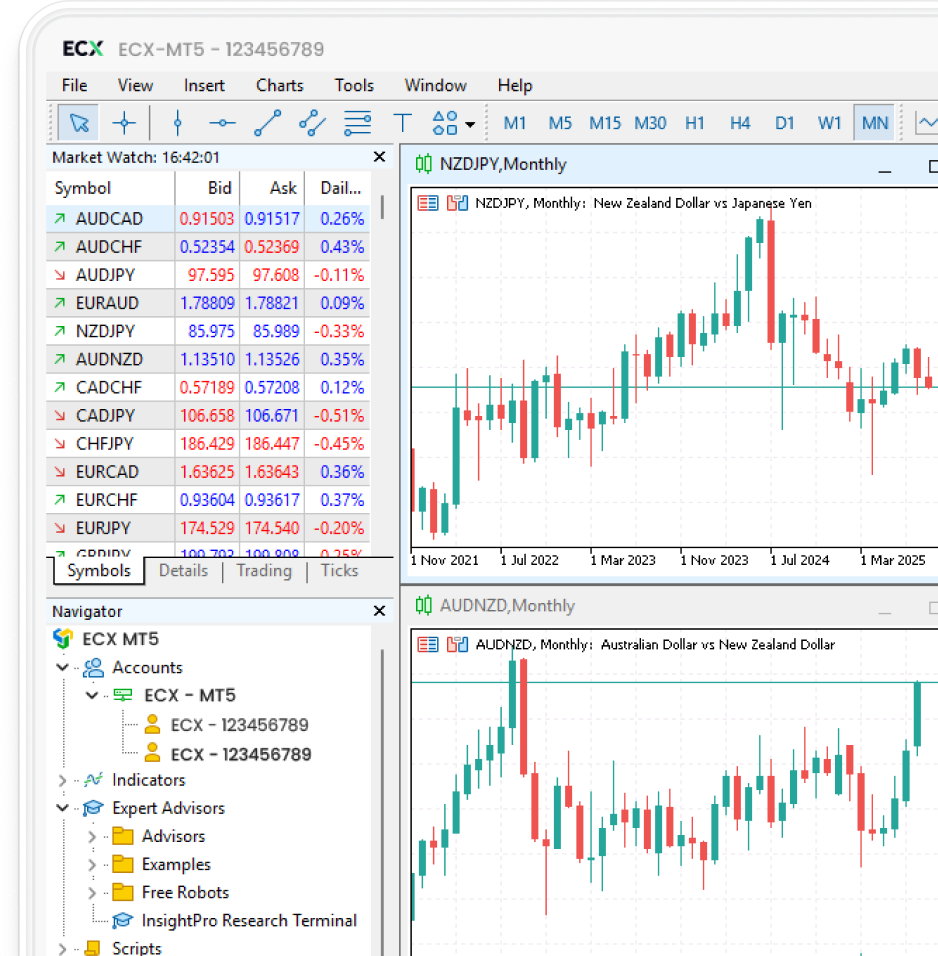
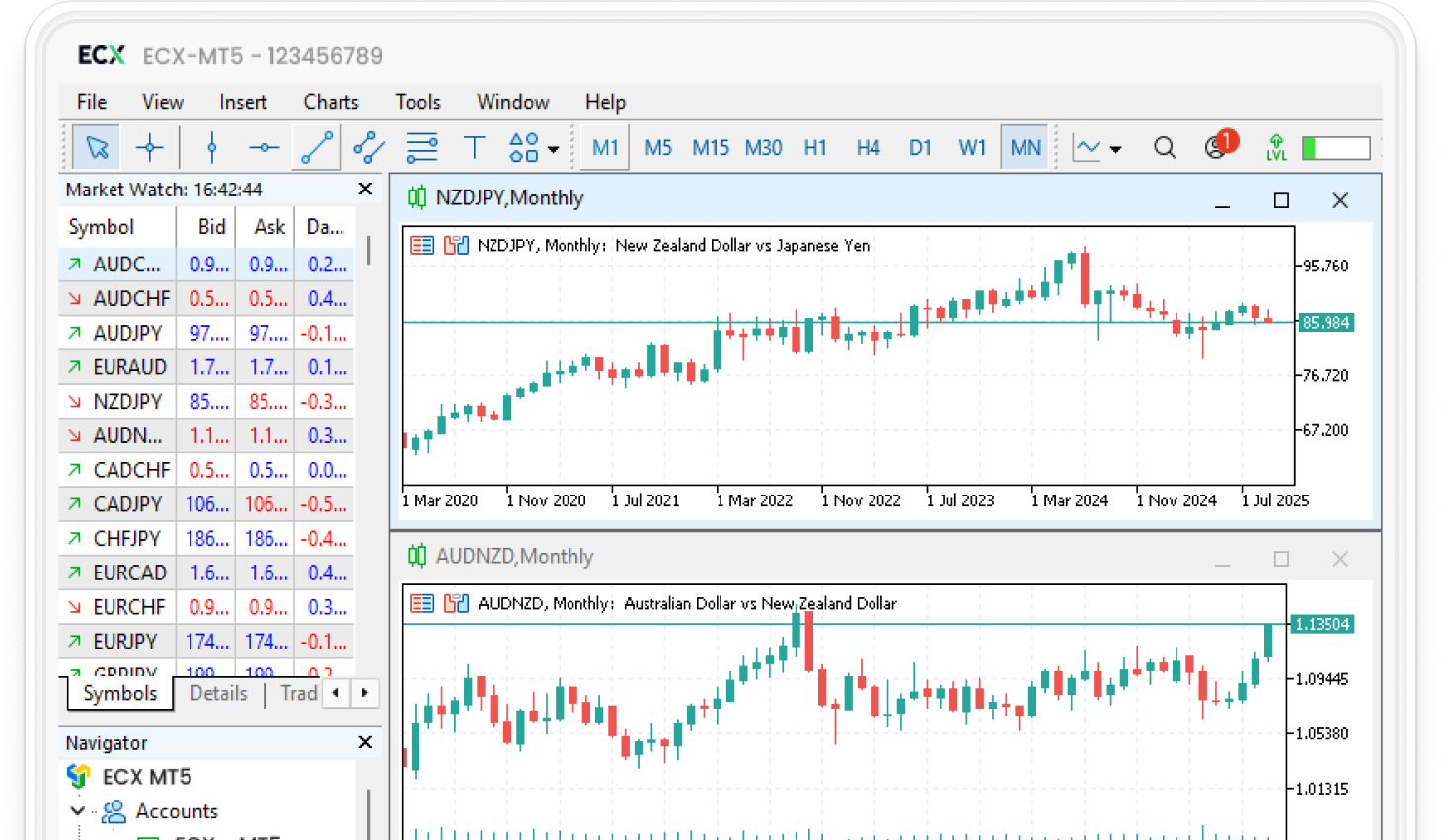

Experience the power of MetaTrader 5 with advanced trading tools and features
-
Expanded access
-
Faster execution
-
Advanced tools
-
Depth of market
Why Trade on MT5 desktop
Core features trusted by millions of traders
- Multi-monitor support for better trade management
- Advanced charting with built-in indicators
- Automated strategies with Expert Advisors (EAs)
- Real-time Depth of Market
- Stable, secure and reliable execution



Why trade ECX for Forex
Trade backed by global standards
-
Fast execution
-
Safe funds
-
Expert support
-
Multiple platforms
-
Test with demo
-
Transparent pricing
Get started in 3 simple steps
Build your portfolio across six asset classes from a single platform
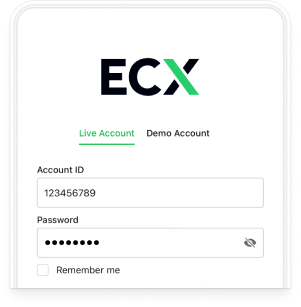
Register
Open your ECX account in minutes with a quick verification process
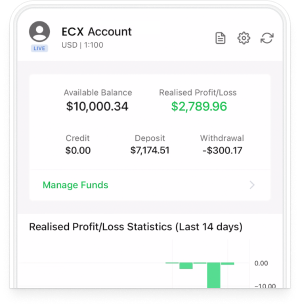
Deposit funds
Deposit funds instantly using trusted local and global payments
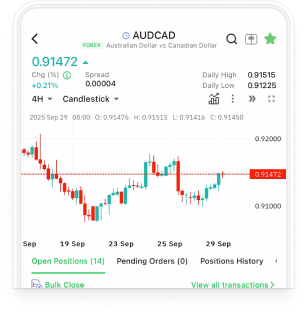
Start trading
Access MT5 and trade Forex, Indices, Commodities, Shares & Crypto
Questions we often get
Everything you need to know to start trading with confidence
Is MT5 available on Windows & Mac?
Yes, you can install it on both Windows & Mac. Just download the correct installer from the ECX website and log in with your account details.
What order types can I place?
You can trade using market, limit, stop, and pending orders. Advanced tools like trailing stops are also only available in MT5.
Will I get real-time data and charts?
Yes, the platform streams live market prices with professional charting tools, multiple timeframes, and technical indicators.
Can I practice with a demo account?
Absolutely. ECX offers demo accounts on desktop, giving you full access to trading tools without risking real money.
Is my data secure on desktop?
Yes, your connection is fully encrypted and trades run through ECX’s secure servers to keep your funds and data safe.
What are the system requirements?
A modern Windows 10+ PC or Mac, 4 GB RAM, internet connection, and basic disk space is usually enough for smooth performance.



Still have questions?
Can’t find the answer you’re looking for? Our support team is here to help